
Log in with Telegram Desktop (TData)
The TData folder already contains the login, so Telegram Desktop opens the account without asking for a code. Windows PC required.
- 1
Download Telegram Desktop
Download and install Telegram Desktop from desktop.telegram.org.
- 2
Download the TData file
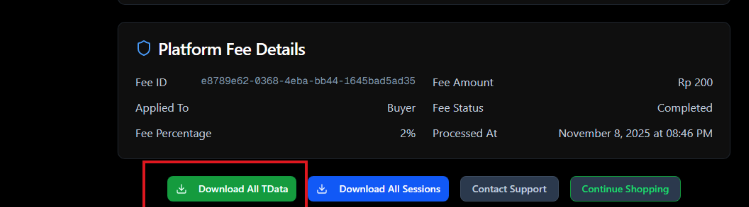
On your order page, click Download TData and extract the folder.
- 3
Copy Telegram.exe next to the tdata folder
Copy Telegram.exe into the folder that contains the downloaded
tdatafolder.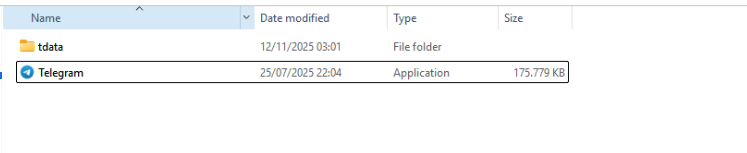
- 4
Run Telegram.exe from that folder
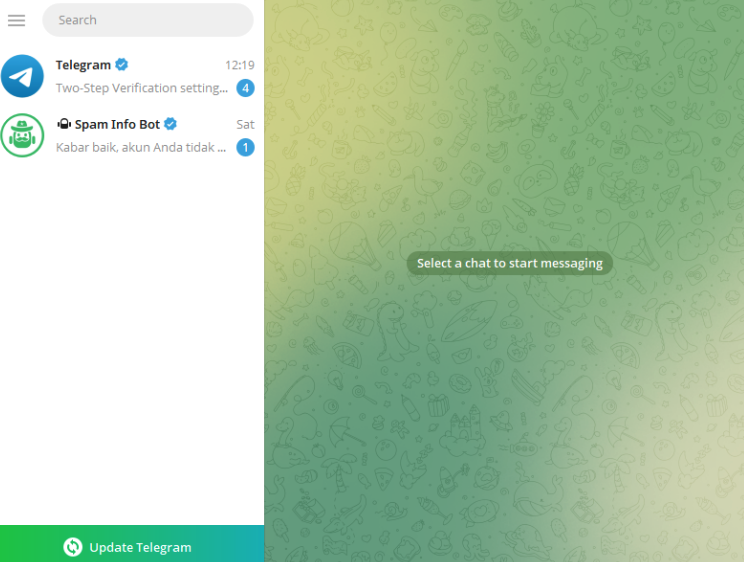
Open the Telegram.exe inside that folder. Telegram starts already logged in to the purchased account.
One folder per account
Keep a separate folder (with its own Telegram.exe) for every account so their logins don't overwrite each other.